Operator console
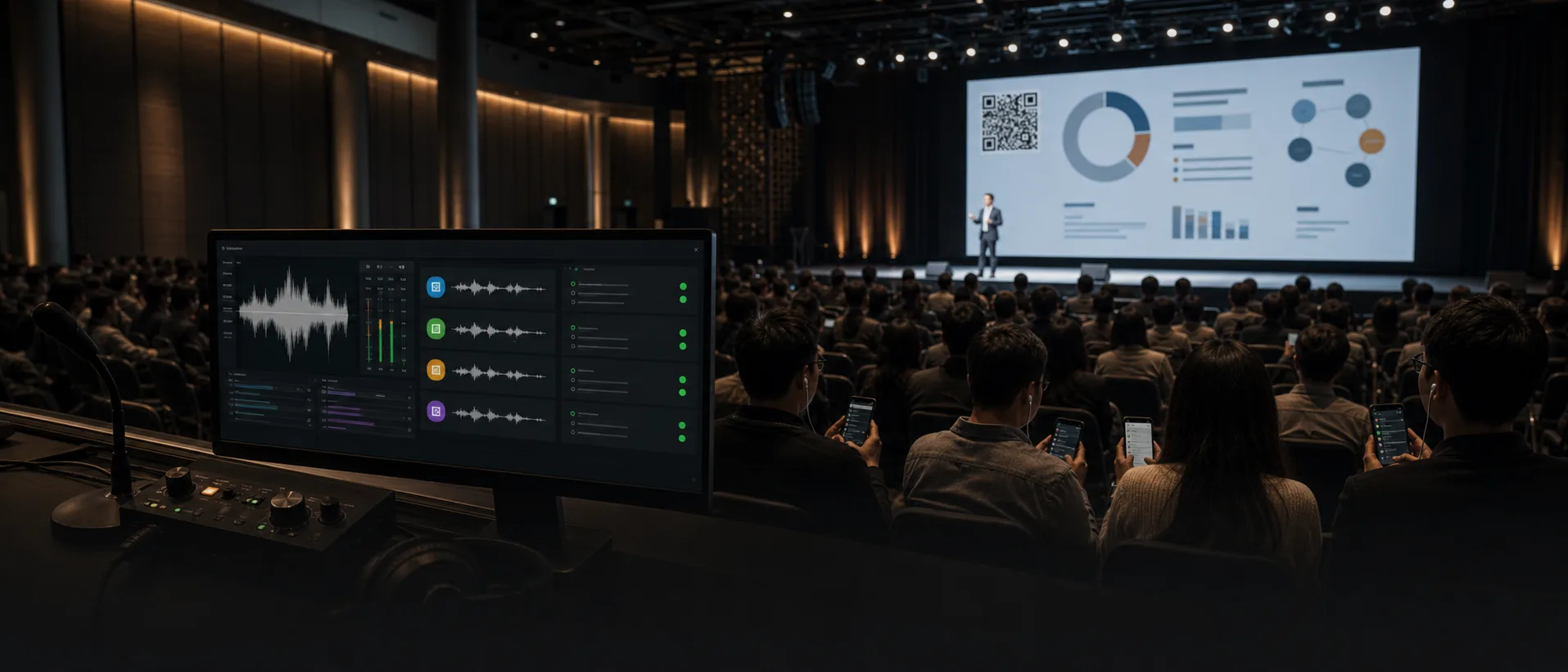
After choosing an audio input and starting the broadcast, operators see listener demand and session status per language. Language-specific issues and server connection state stay visible in the operator console.
Realtimemultilingualdelivery
Operators start the broadcast in the browser, while attendees scan a QR code to receive interpreted audio and captions.
Why Jupiter
The speaker keeps moving, but attendees who do not share the language follow key sentences and context a few beats late. As that gap grows, the timing for questions, deeper conversations, and decisions changes.
The presentation continues, but comprehension splits by language.
In a multilingual event, everyone may be hearing the same talk, but they are not understanding it at the same pace. Some react immediately while others wait for translation and lose the thread.
Consecutive interpretation creates pauses, while simultaneous interpretation expands with each language.
Consecutive interpretation needs time after each statement and breaks the rhythm of the talk. Simultaneous interpretation requires people, booths, and receivers for every language, so preparation grows quickly.
The content is shared, but the language and timing needed to follow it differ by attendee.
A single talk has to reach attendees across multiple languages at once, but each person needs a different language and follows at a different pace. If that gap stays open, some attendees catch up only after the moment has passed.
Jupiter receives the speaker audio and delivers interpreted audio and captions by selected language.
When the operator broadcasts the speaker audio from the browser, Jupiter opens interpretation sessions for the languages attendees have selected and sends translated audio and captions. Because delivery is grouped by language instead of handled separately for every attendee, people can scan a QR code, choose a language, and keep up right away.
The presentation continues, but comprehension splits by language.
Broadcast operations
After choosing an audio input and starting the broadcast, operators see listener demand and session status per language. Language-specific issues and server connection state stay visible in the operator console.
Listener access
Attendees scan the venue QR code or open a shared link to access Jupiter, choose a language, and start listening. Each listener receives only the interpreted audio and captions for the selected language.
Access the Jupiter listener page from the venue QR code or shared link.
Event consultation
Share the schedule, attendee count, supported languages, event duration, and onsite or remote operation needs. We will help define the rehearsal and quote criteria.